
How to Get Access Token & Instance ID
1. Log in to WooNotif V2 Dashboard (https://v2.woonotif.com/)
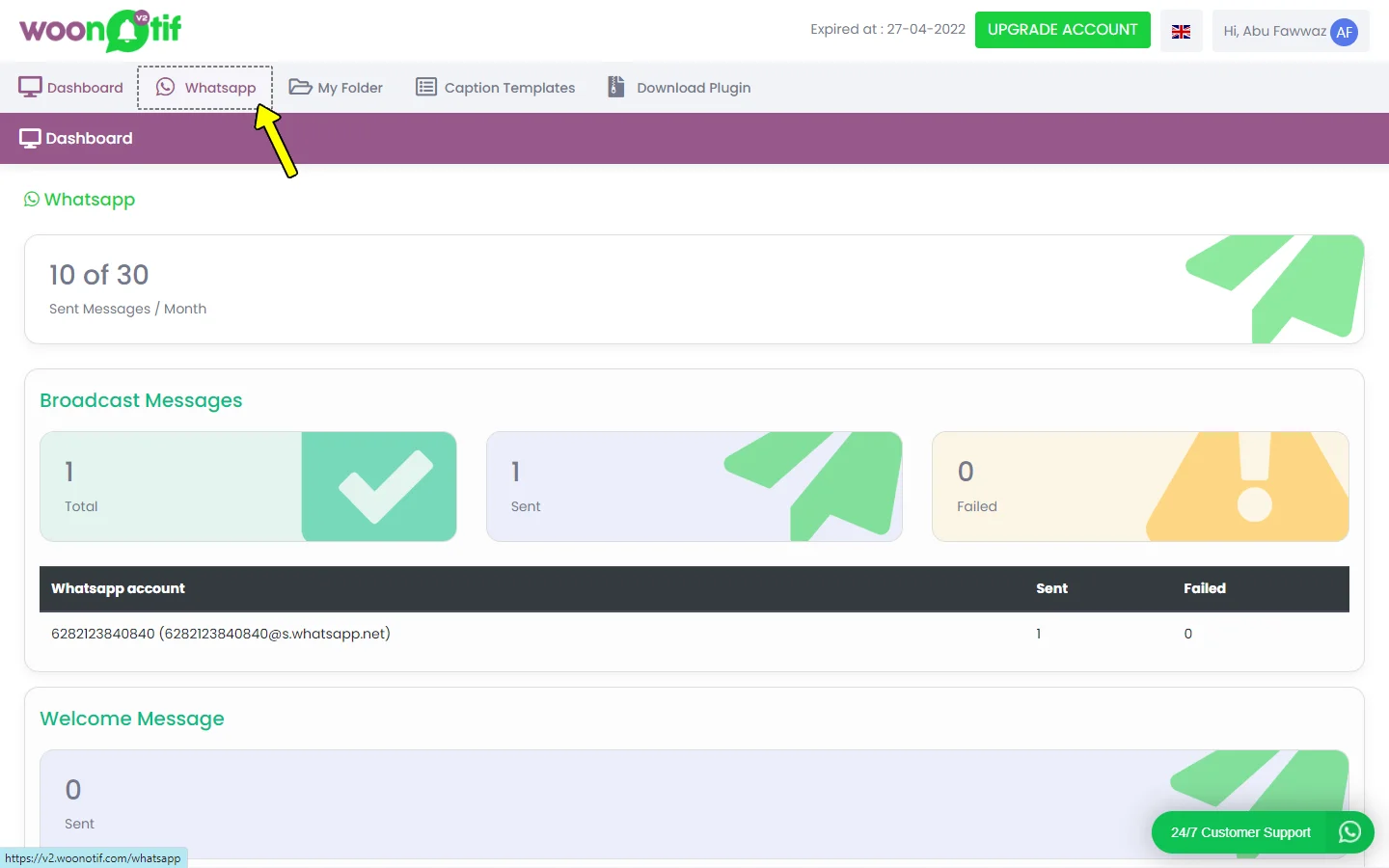
2. Click WhatsApp on the top menu.
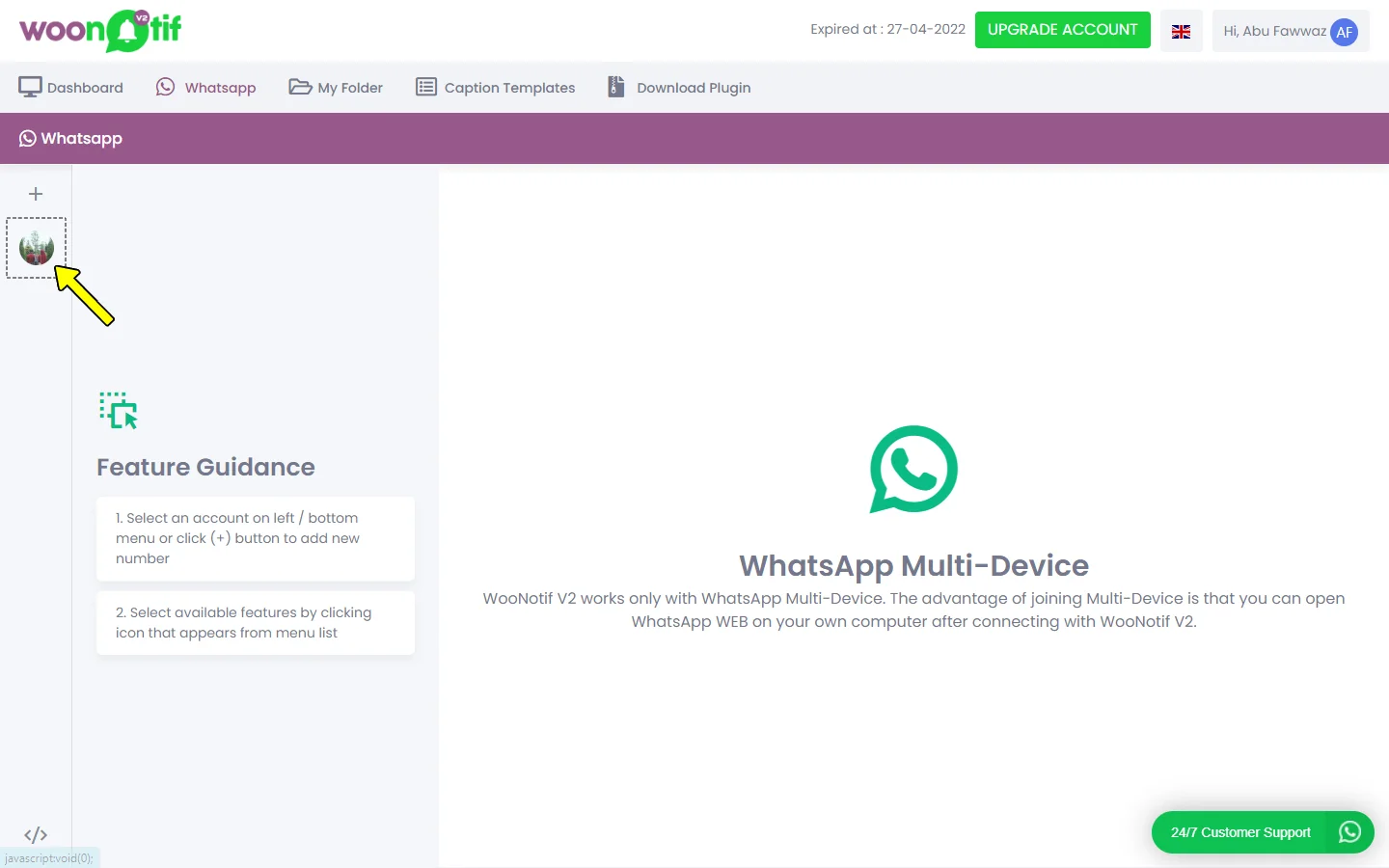
3. Select the WhatsApp number by clicking on a thumbnail. If you haven’t scanned the QR code, click the (+) sign and start the scan.
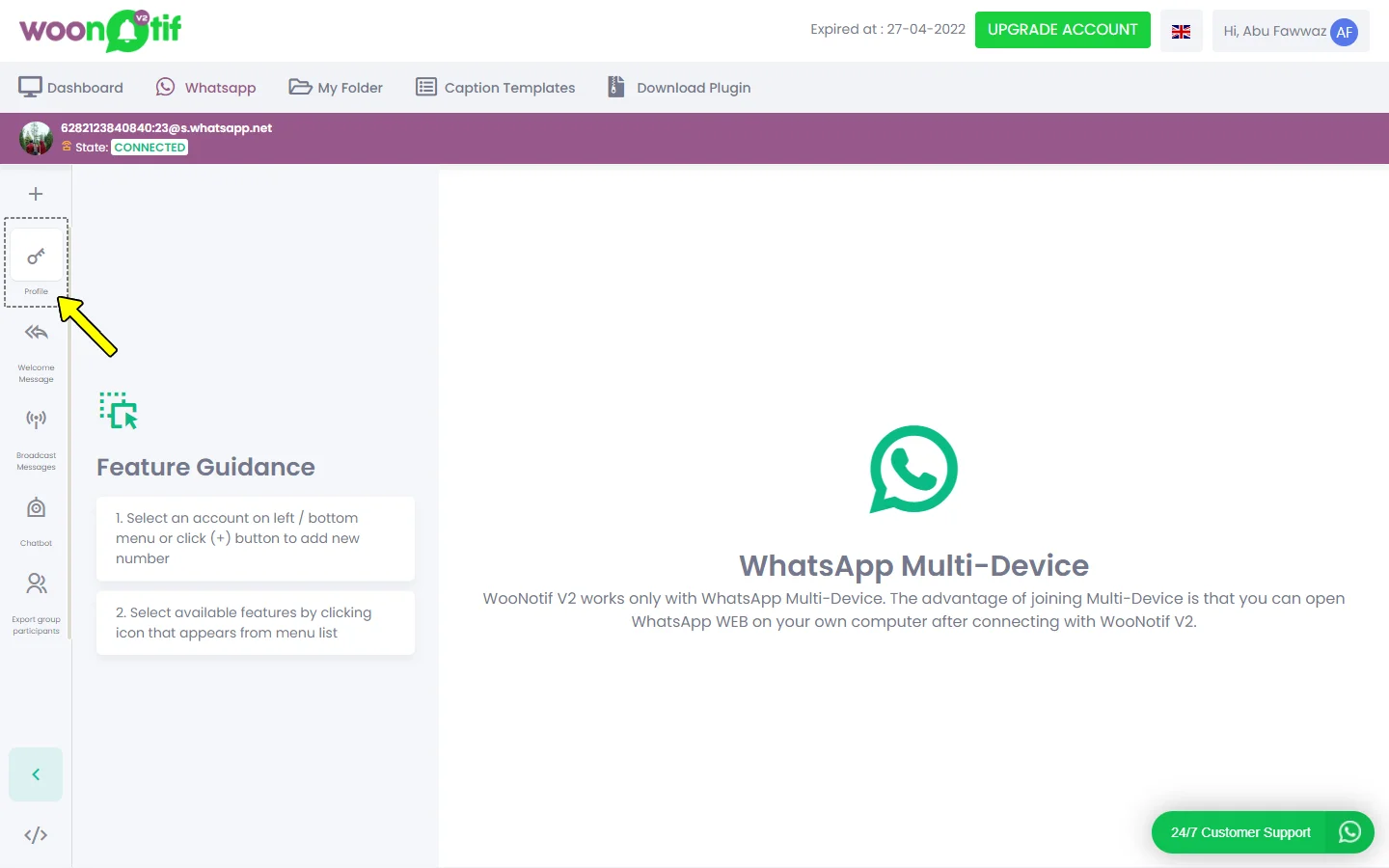
4. Click the Profile button with the key icon.
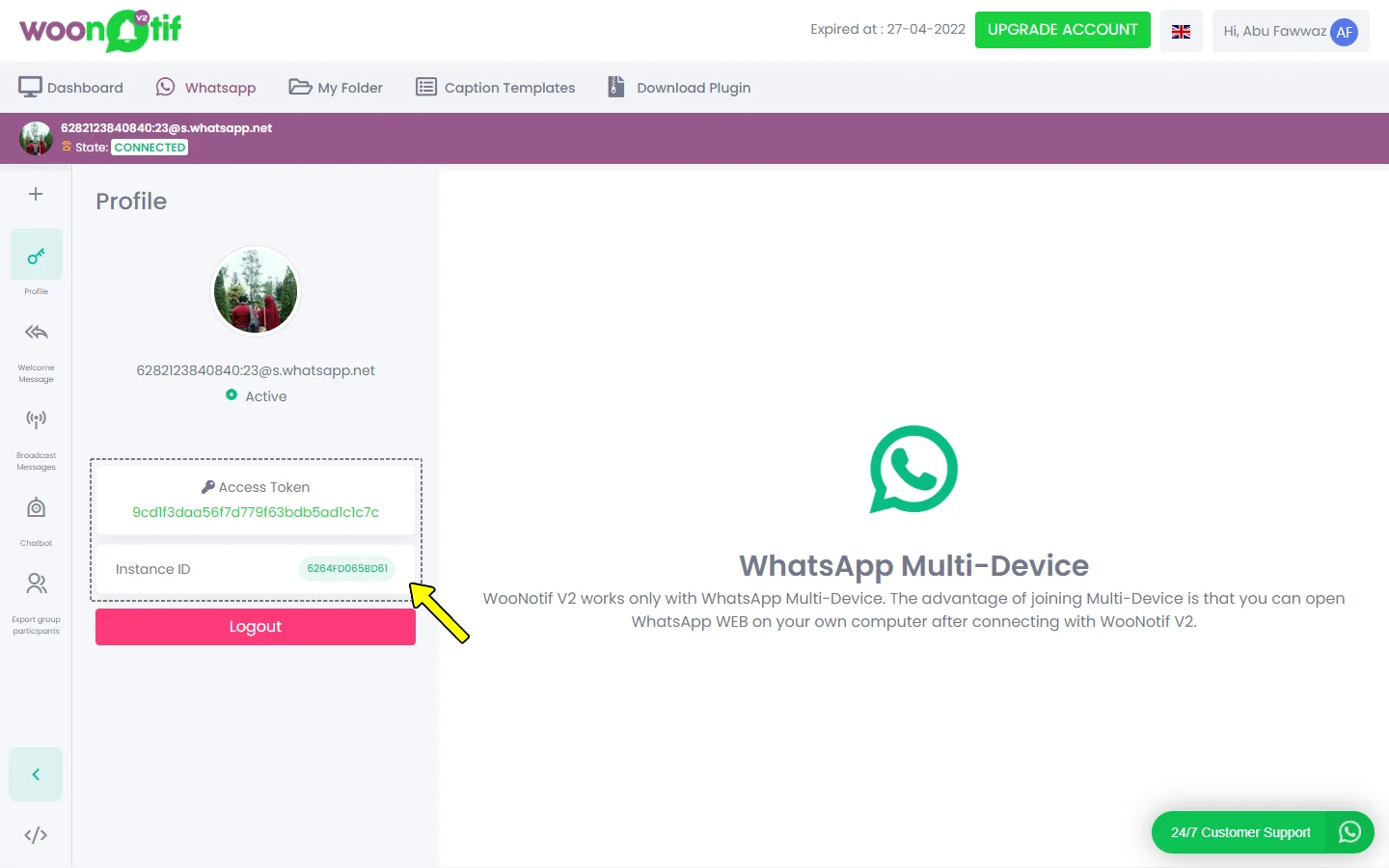
5. Access Token & Instance ID will appear on the profile page.
6. If the profile page is stuck on the loading screen, please contact support to get help.